
Want to build your own Roblox game? You’re in the right place.
This guide covers the 8 best Roblox scripting courses for 2026, including both free and paid options. Seven are completely free, and five require no prior programming experience, so you can start today regardless of your background.
Roblox games are built using Luau, a scripting language derived from Lua, inside Roblox Studio. The courses and tutorials in this guide teach both. Learn how to build a tycoon game, a tower defence game, and more.
As someone who first discovered programming through Roblox at age nine, I’ve personally evaluated each resource for clarity, depth, and beginner-friendliness. Here’s what I found.
Click on the shortcuts for more details:
Here are my top picks. Click to skip to the details:
Why Trust Us and This Guide
I’m Elham, a software developer and researcher and I’ve written Best Courses Guides on many topics including Python, C, Unity, Godot, and Lua. I went through every major Roblox resource I could find, cross-referencing Class Central’s catalog, Reddit threads, and provider pages. This guide is my recommendation to fellow researchers looking to learn this gaming software.
In this Best Courses Guide (BCG), I’ve carefully curated a list of free and paid courses that stand out for their quality of content, teaching style, and real-world applicability.
Class Central, a Tripadvisor for online education, has helped 100 million learners find their next course. We’ve been combing through online education for more than a decade to aggregate a catalog of 250,000 online courses and 250,000 reviews written by our users. And we’re online learners ourselves: combined, the Class Central team has completed over 400 online courses, including online degrees.
Best Courses Guide (BCG) Methodology
I built this guide following the now tried-and-tested methodology used in previous BCGs (you can find them all here). It involves a three-step process:
- Research: I started by leveraging Class Central’s database and the internet. Then, I made a preliminary selection of Roblox Game Development courses by rating, reviews, and bookmarks.
- Evaluate: I read through reviews on Class Central, Reddit, and course providers to understand what other learners thought about each course and combined it with my own experience as a learner.
- Select: Well-made courses were picked if they presented valuable and engaging content, and fit criteria including comprehensive curriculum, affordability, release date, ratings and enrollments.
BCG Stats
- Seven of the courses are free, while the other (a book) is paid
- Five of the courses require no prior experience whatsoever, whereas the other three assume some prerequisite knowledge.





Why Make Roblox Games?
Well… it’s fun! That’s what I thought when I first started, but there’s actually deeper reasons you’d want to learn how to make games in Roblox (Roblox dubs them as ‘experiences’, but to keep things simple I’m using ‘games’) .
For starters, game development is a multidisciplinary field. That means you’ll pick up and explore all sorts of valuable skills while creating games, such as in audio, animation, 3D modeling, and programming. Expressing your creativity and playing the end-result for yourself is extremely satisfying. And who knows, perhaps one of these skills may be your calling.
Another reason why you’d want to make games is Robux. Players can spend Robux on games they enjoy, and in turn Roblox developers can exchange Robux into cold, hard cash through the platform’s Developer Exchange program. Top (and lucky) developers are able to generate six figure incomes from their games (one of them in this guide). And even hobbyist developers can monetize their creations and earn a fair bit of income.
Best Free Course for Beginners to Programming (AlvinBlox)
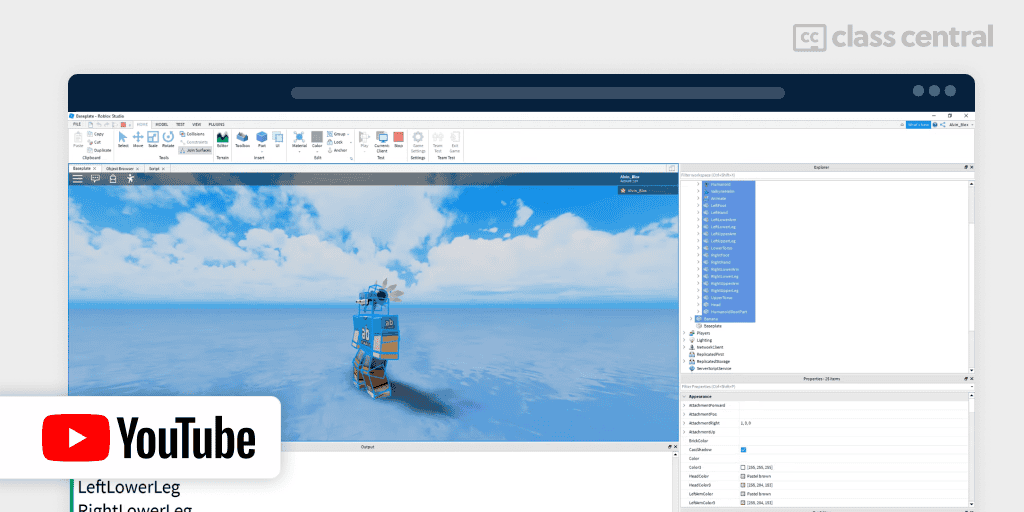
AlvinBlox’s 2020 Beginner Roblox Scripting Tutorials is one of, if not the most, popular introductions to Roblox game development.
Alvin’s the creator of numerous experiences including Hotel Tycoon and in this free YouTube tutorial he’ll show how you can start making Roblox games just like him!
In just seven hours, you’ll cover the basics of Roblox scripting, including:
- Properties
- Variables
- Instancing
- Functions
- Events
- Conditional statements and operators
- Loops
- Tables
- Services.
Once you’re done with this course, I highly recommend you immediately practice coding by building a game yourself. You can follow his Roblox tycoon tutorial series, or alternatively try out GnomeCode’s Tower Defense tutorial (below).
Should you encounter any trouble with the course, Alvin has his own Discord channel where you could ask for help.
| Channel | AlvinBlox |
| Provider | YouTube |
| Instructor | Alvin |
| Prerequisites | None |
| Workload | 7 hours |
| Views | 1.9M |
| Cost | Free |
| Exercises | Code demos |
| Certificate | None |
Best Free Course for Luau Basics (PeasFactory)
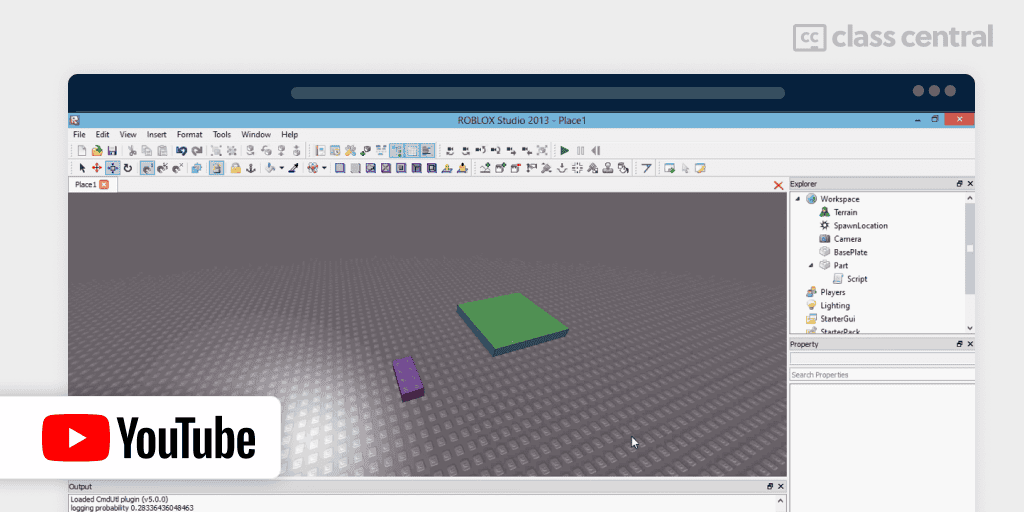
If you found some of the explanations in the other courses confusing, PeasFactory’s free Roblox Beginners Scripting Tutorial is here to clear things up. He doesn’t merely show, he also explains what’s going on.
Now, if you went to the YouTube page, you might be wary of the decade-old publish date. Don’t be. Programming basics are timeless, so everything you’ll learn here will remain with you for the rest of your programming career, and the tons of glowing recommendations on Roblox subreddits and Discord servers confirm this. Heck, even AlvinBlox paid homage to him in the comment sections.
You’ll learn roughly the same things as AlvinBlox’s courses, but IMO explained better. What I’d recommend is that you watch Alvin’s videos first for the basics, and if you don’t understand, you watch PeaFactory’s explanations.
Here’s what you’ll cover:
- Properties
- Variables
- Basic Math
- Functions
- Conditional statements and logical operators
- Events
- Instances
- Loops
- Leaderboards
- Local variables.
| Channel | PeasFactory |
| Provider | YouTube |
| Instructor | PeasFactory |
| Prerequisites | None |
| Workload | 4–5 hours |
| Views (First Video) | 303K |
| Cost | Free |
| Exercises | Code demos |
| Certificate | None |
Best Free Documentation (Roblox)
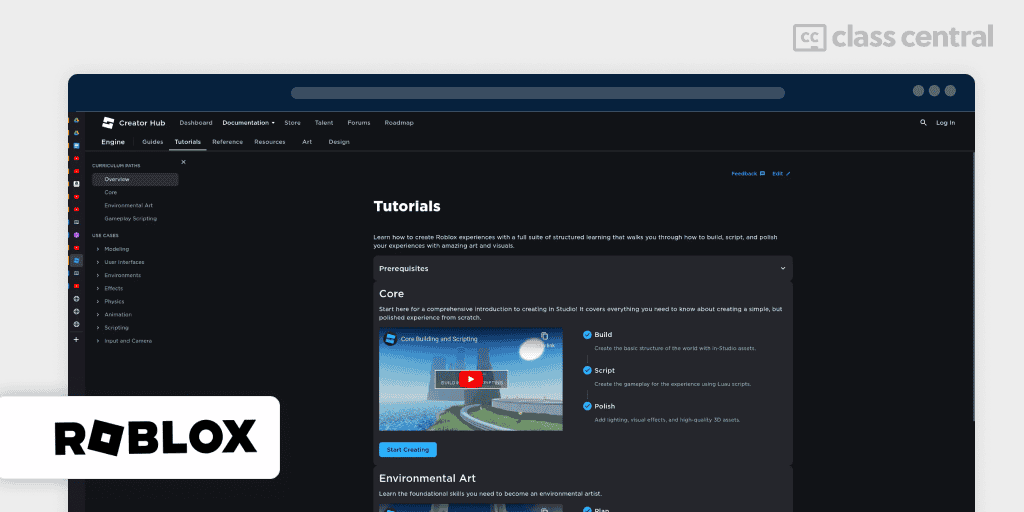
Love it or hate it, every developer must inevitably come to terms with reading documentation, the literary equivalent of a user manual for code.
Thankfully though, the docs for Roblox are very accessible. It’s written in simple English, filled with code examples, and some parts even include video tutorials.
So if you’ve gotten stuck on a particularly nasty bug or problem and are looking for solutions, the best place to reap inspiration is the docs. I mean, why wouldn’t you since it’s free anyways?
Apart from covering the technical details, they also show you how to distribute and publish your Roblox game following their guidelines.
| Institution | Roblox |
| Provider | Roblox Creator Hub |
| Prerequisites | None |
| Workload | N/A |
| Cost | Free |
| Exercises | Code demos |
| Certificate | None |
Best Free Concise Crash Course (Smarty)
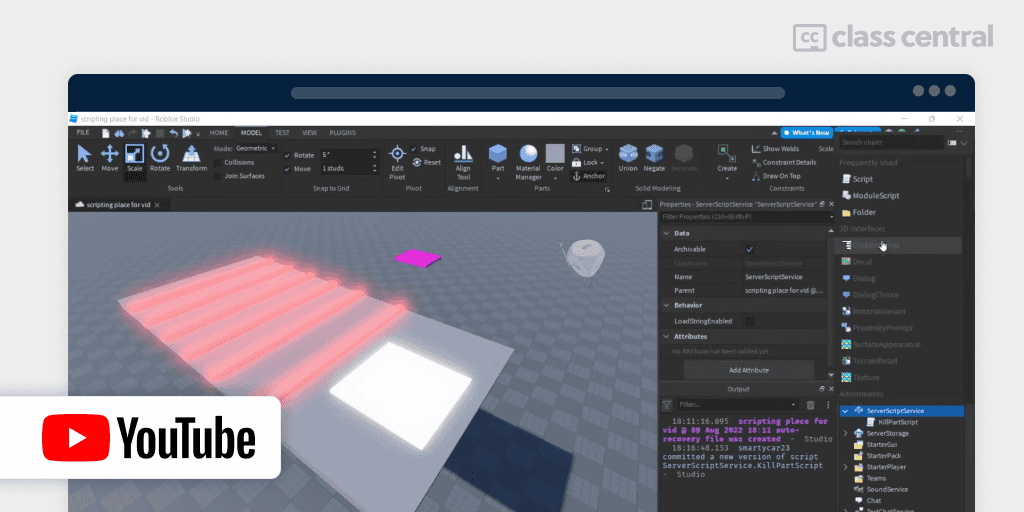
Do you get easily bored from watching long, programming tutorials? Then this free under-an-hour course is for you.
To keep things short, this YouTube course will give you a beginner’s guide to scripting in Roblox, covering key concepts like variables, functions, booleans, if-else statements, events, and loops. Smarty keeps things engaging by showing how you can apply these, such as by creating a “kill brick” that destroys player characters or a checkpoint system that saves player progress.
| Channel | SmartyRBX |
| Provider | YouTube |
| Instructor | Smarty |
| Prerequisites | None |
| Workload | <1 hour |
| Views | 4.4M |
| Likes | 130K |
| Cost | Free |
| Exercises | Code demos |
| Certificate | None |
Best Free Tower Defense Tutorial for Beginners (GnomeCode)
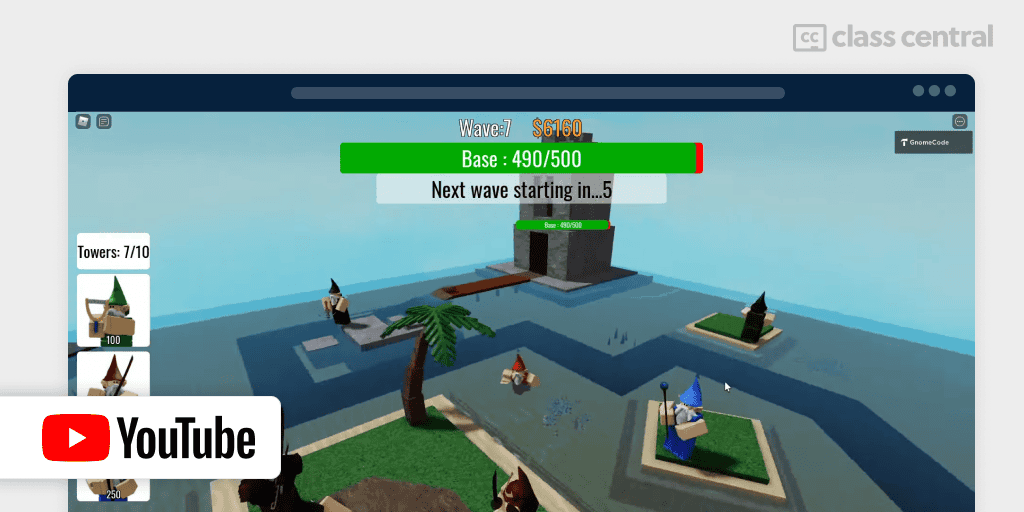
Put your basic Luau and Roblox Studio skills into action by building a Tower Defense game with GnomeCode!
You’ll create a fully functional tower defense game, with some of the features you’ll implement being:
- Enemy mechanics: Path navigation and wave-based attacks with multiple mob types and animations
- Tower mechanics: Multiple tower types that can kill mobs, with placement using mouse raycasting, animated attacks, and different target modes
- Resource management: Base health system and money system for purchasing and upgrading towers
- User interface: Game GUI, tower upgrade system, ability to sell towers, and tower ownership
- Polish and effects: Sound effects, bullet trails, game over screen, and mobile device support
- Additional features: Map voting, game lobby with elevators, and in-game shop
Note that some code in the series is broken as of the latest Roblox Studio version. If you’re just blindly copy-pasting, you won’t even make it past the first episode. Fortunately, many people before you have found solutions to these errors, so make sure to check the comment sections or get help from GnomeCode’s Discord server.
GnomeCode has also made other videos, including a tutorial on creating a Roblox Doors clone, as well other miscellaneous topics such as Object-Oriented Programming (OOP) basics.
| Channel | GnomeCode |
| Provider | YouTube |
| Instructor | GnomeCode |
| Prerequisites | Basic Roblox scripting experience |
| Workload | 12–13 hours |
| Views | 2.8M |
| Cost | Free |
| Exercises | Code demos |
| Certificate | None |
Best Paid Comprehensive Book from a Professional (Taylor Field-Draper)
Taylor Field-Draper is probably the most qualified and successful Roblox developer in this guide. Taylor has been creating on the platform for over 15 years, having contributed to numerous games and events that have collectively garnered billions of accumulative visits, such as DungeonQuest and the Lil Nax X and KSI virtual concerts. Currently, he’s the Creative Director for the Special Projects Team at Gamefam, working for clients like Microsoft and Sony.
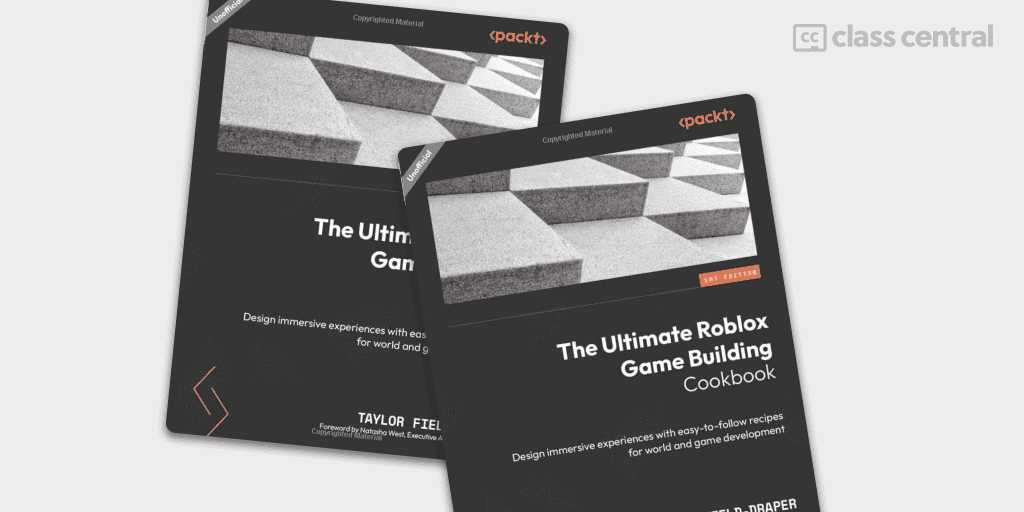
That’s enough about the author’s impressive background, let’s talk about his paid book, The Ultimate Roblox Game Building Cookbook.
It’s broken up into three parts: Building in Roblox Studio, Designing Layouts, and Monetizations and Extras. By developing alongside him, following a step-by-step process with his Cookbook recipes, by the end of the book you’ll:
- Get a solid grasp on the fundamentals of creating games with Roblox Studio tools
- Nail down crucial pre-production steps like layout and greyboxing to effectively plan and construct your game map
- Strategically position props to craft immersive and engaging environments
- Add visual flair and depth to your game by incorporating lighting, atmosphere, and cool VFX like particle beams, trails, and smoke
- Keep your game running smoothly and your players happy by prioritizing optimization, updates, and user experience
- Gain insights into designing more complex levels of gameplays, such as singleplayer and multiplayer flows
- Learn how to monetize your game and earn some sweet Robux through in-game purchases and other methods
This book is ideal for everyone, whether you’re a new or experienced developer. But to get the most out of this book, you should have some basic experience with Roblox Studio.
You can read this book online or in print.
| Publisher | Packt |
| Provider | Independent |
| Instructor | Taylor Field-Draper |
| Prerequisites | None |
| Workload | 218 pages |
| Rating (Amazon) | 5.0/5.0 (5) |
| Cost | Paid |
| Exercises | Cookbook recipes and downloadable asset files |
| Certificate | None |
Best Free Course for Intermediate Developers (TheDevKing)
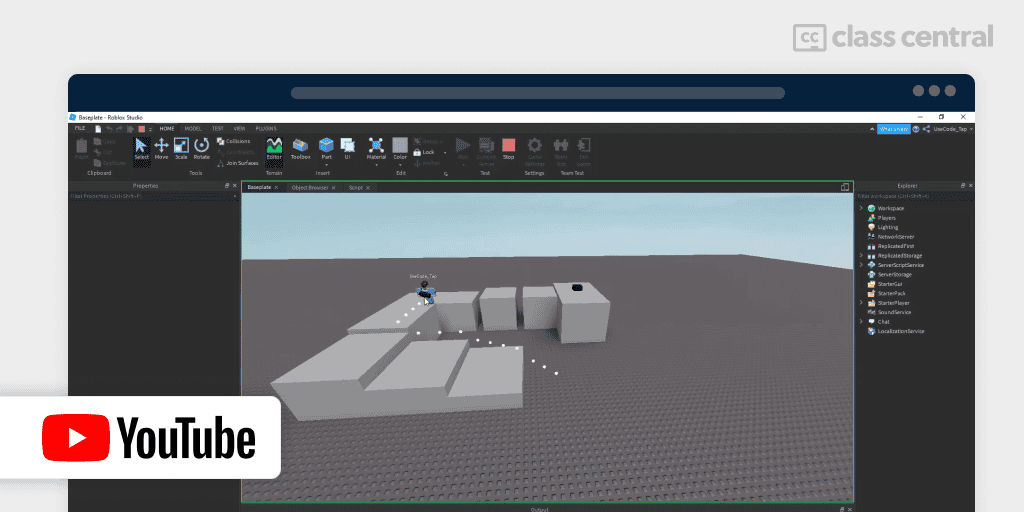
Already know what variables, functions, and tables are? Want to go further than just the basic “Hello World”? TheDevKing’s Advanced Roblox Scripting Tutorials free playlist on YouTube is for you.
This is a highly popular series recommended by people over at HiddenDevs and Roblox Developers Discord to help you go from Roblox newbie to Roblox pro.
Some topics you’ll find interesting are:
- Filtering Enabled, Servers & Clients: The difference between server-side and client-side scripting and how they relate to creating secure and efficient games
- Remote Events & Remote Functions: Add multiplayer functionality in your game by allowing the server and client to ‘talk’ to each other
- Data Store & Saving Player Data: When you leave the game, all player info is wiped. You’ll fix that with DataStore to help you persist player data across game sessions
- CFrame: Work with 3D positions, orientations, and transformations to breathe life into your world
- TweenService / Tween: A static world is bland. You’ll create smooth animations and transitions, enhancing the visual appeal and user experience of your game.
I recommend you watch the entire course as an overview, as you’ll never know if you might need a certain specific feature one day in your game development journey.
Note that since the course is four years old, there’s a non-zero chance for breakage. Fortunately, TheDevKing founded a RoDevs, a Discord server for his community to find help.
By the way, TheDevKing’s is actually a popular Roblox YouTuber. His main channel is TapWater.
| Channel | TheDevKing |
| Provider | YouTube |
| Instructor | TapWater |
| Prerequisites | Basic Roblox scripting experience |
| Workload | 10 hours |
| Views | 2.45M |
| Cost | Free |
| Exercises | Code demos |
| Certificate | None |
Best Free Resource for Intermediate Developers (Suphi Kaner)
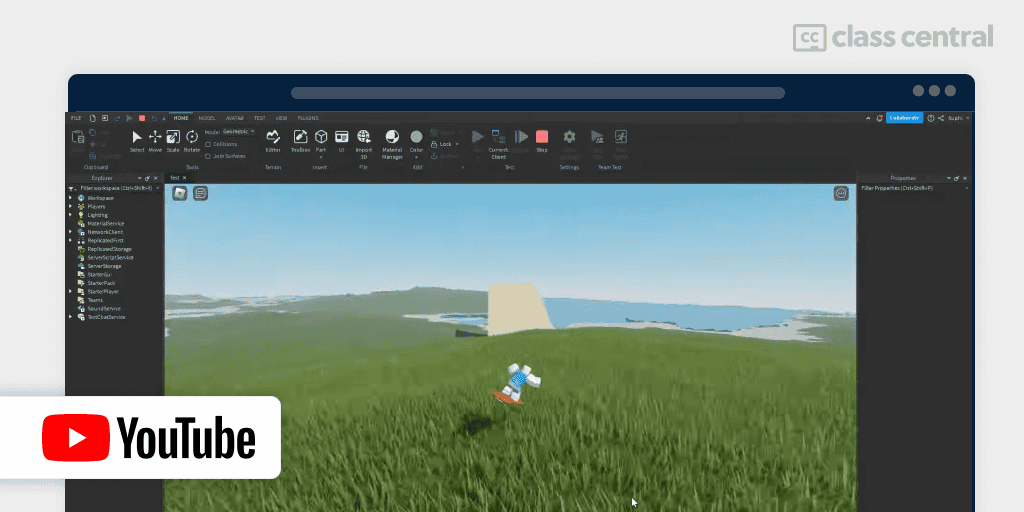
Once you’ve got your foot in the world of Roblox scripting, you’ll inevitably come across situations where you want to fix or implement a feature which the beginners’ course you took didn’t teach you. That’s when you rely on Suphi Kaner’s free Scripting Tutorials.
Suphi creates one-off, self-contained video lessons on intermediate Roblox scripting topics, following best practices. He gets recommended a lot on the official Roblox Dev forum. Some noteworthy mentions are:
- Remote Function: How to allow code on the server to call and execute code on the client without memory leaks
- Curves & Tweening: How to create animated movement and transition through interpolation of points
- Content Streaming: Minimize lag for mobile gamers by only sending parts/objects within a certain radius around the player
- Luau Type Checking: Using strict type checking to catch errors early and write more robust, type-safe code
- Suphi’s DataStore Module: Suphi goes through his DataStore module, showing you a more performant and reliable approach to managing data storage and session locking.
Have questions? You can find him and other Roblox developers in his Discord server.
| Channel | Suphi Kaner |
| Provider | YouTube |
| Instructor | Suphi Kaner |
| Prerequisites | Basic Roblox scripting experience |
| Workload | >17 hours |
| Views | 84.5K |
| Cost | Free |
| Exercises | Code demos |
| Certificate | None |
What Next?
To stay motivated, join a community of Roblox developers, designers, and artists. Here are some of communities I’ve found to be the most helpful:
Programming is just one part of a larger whole in the game development process. Here’s some fields you should explore afterwards:
- Blender for creating 3D models and animations. We have a guide for that → Blender BCG
- Designing clean, sleek user interfaces. Check out our Photoshop BCG.
- Visual Effects (aka VFX)
- Sound design for greater immersion.
Pat revised the latest version of this article.
The post 8 Best Roblox Scripting Courses for 2026 (Free & Paid) appeared first on The Report by Class Central.