
Thoughtful AI implementation for UXR leaders
Setting a vision will guide you and team to the right tools, in the right context.
I’m an AI skeptic.
That feels like a room-clearing and potentially career-limiting statement these days. I’ve been met with more than one uncomfortable silence from my colleagues.
I call myself an AI skeptic because I’m not bought into the idea that adding AI automatically means improvements and increased efficiency. I’m not alone; a 2025 Pew Research study found that 50% of Americans are more concerned than excited about the increased use of AI in daily life. This same study also found that both experts and non-experts want more control over AI. However, I’m willing to bet these numbers would look different if we sampled tech workers exclusively.
I’m not against all AI tools — some of them can be useful in the right context with the right guardrails — but I’m arguing for a measured approach to their usage. In this piece, I cover the ways I’ve approached this as a research leader.
It’s no secret that collectively we’re all still in the thrall of AI (for the purposes of this piece, AI refers to tooling based in whole or in part on large-language models (LLMs) or neural networks). The great value prop of AI is increased efficiency, which then unlocks additional time for other tasks, or multiplies capacity. In UX circles, I regularly hear statements like “AI is completely changing the design and research process” and “AI means we won’t have specialized roles anymore”, reflecting the idea that the speed of AI processes will mean we can all do much more outside of our scope. AI will allow product managers to use a few prompts to quickly mock up designs. AI will allow designers to prototype quickly and push directly to code like engineers (my team has been warned that we may be “overwhelmed” with the amount of prototypes produced). Synthetic users, AI interviewers, and automated sentiment analysis will also enable designers and PMs to be researchers too. Right?
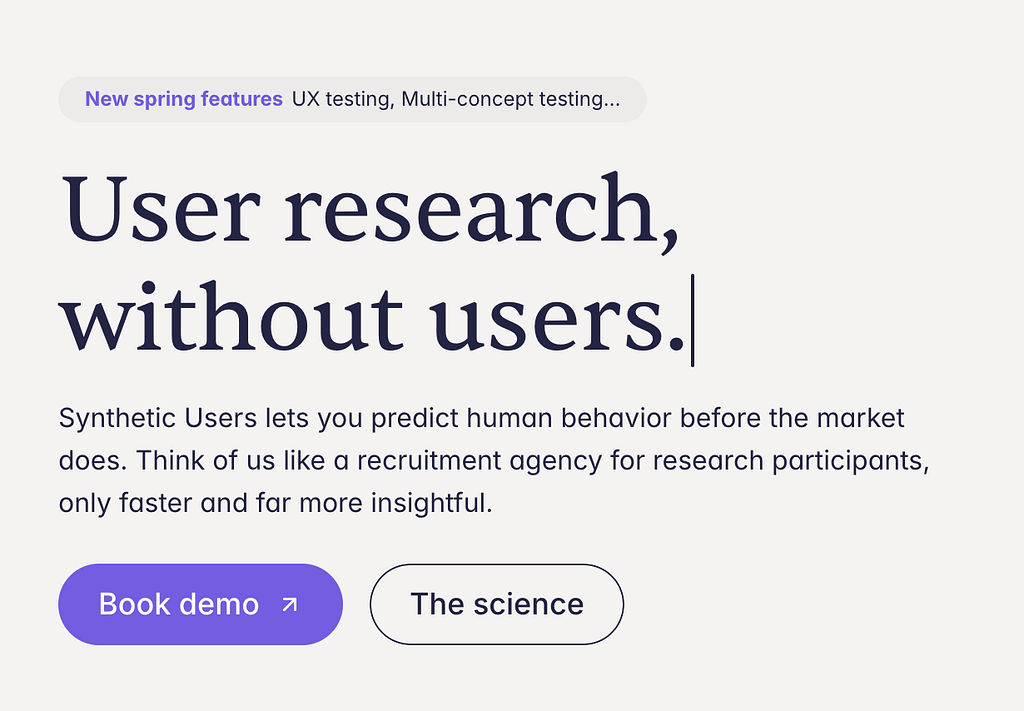
Wrong. It’s true that AI tools do make things go faster, but in this rush, we completely ignore the quality of their outputs (as Judd Antin and Jess Holbrook cover very thoroughly in their two pieces on ResearchSlop). These rapid prototypes produced via AI? Two screens connected by a tap, when they’re functional or working as intended. The designs pushed to production in record time? Stuck in code review queue where engineers will have to refactor it. As covered by Judd and Jess, AI-based research tools produce insights that lead the business down the wrong path. AI is not so much changing the design and research process as it is introducing additional review steps. It all starts to feel like “sound and fury signifying nothing.”
Unlike that classic line in Macbeth, we don’t have to resign ourselves to the futility (or inevitability) of AI. There are ways we can help our teams use AI thoughtfully.
My landscape, for context, is as follows: I lead a team of 8 researchers, including one manager, as well as UX Ops. We’ve embraced AI later than other companies, but what we lack in timeliness we make up for in fervor. Teams, including UX, are being asked to proactively identify opportunities to include AI in their workflows for efficiency. Leadership at all levels is fully bought into AI, and from my observation, rarely mention the risks or downsides.
Here’s how I’ve approached AI implementation with my team:
- I set a north star for how I wanted AI to be integrated into our research practice. How you think about AI, like everything else, sets the tone for your team. Whether you’re fully bought into the promise of AI efficiency, or a skeptic like me, you’ll want to think about how and where you want AI to be a part of the research process. My north star is that AI should support, not replace, research quality, which I defined as craft, assessment and revision. Quality is already a core value for my team.
- I defined the important skillsets for my team — and set AI guidelines to preserve them. I’m still a big believer in nurturing and growing the core skills of our profession, including good qualitative interviewing techniques, thorough, rigorous data analysis, and persuasive storytelling. I consider preserving an environment where researchers at all stages of their careers can learn and practice these skills a requirement of my job. I didn’t know all the ways in which my team was using AI until we had a dedicated conversation about it at an offsite. Admittedly, I was a little dismayed at the parts they automated away (as someone who enjoys data analysis and writing), but it signaled to me that I needed to be clearer about the ways I wanted them to use it. I created a set of guidelines, including things like:
- Don’t use AI to develop or refine research questions. This is a critical skill for researchers in that it involves understanding the business + user context, and questions produced by AI tools are often too banal or convoluted to address the central problem.
- Do use AI to clean survey data or otherwise prepare your data for analysis. Reviewing the data after any automated cleaning / preparation is critical. Document the process you used with the tool you used.
- Do label places in your research brief, discussion guides, surveys, or other places where the summary is in whole or in part generated by AI with a footnote.
These guidelines reflected the skills I wanted them to practice and use regularly. My advice (or directive) against using AI to develop research questions stems from my belief that it inhibits much of the learning that happens in question development. As researchers, we identify the gaps in product strategy that we can leverage to improve user experience. The shallow and banal output that AI produces can’t compare.
My note about labeling when researchers use AI is also reflective of the transparency around AI I want to encourage generally. In that same vein, I shared this with my team and asked for their thoughts and feedback — being told to not use AI can be just as bad as being told to use it if the ask is not contextualized or discussed openly.
- I framed the AI usage conversation with leadership as one of risk vs. reward. As a research leader I’ve been urged to incorporate AI in all my teams workflows, without a thorough consideration of the risks and tradeoffs. Product and design leaders are eager for the team to test out the newest research tool they discovered that will generate (bad) research insights faster. I enter these conversations with an open mind and read as much as I can, and frame these conversations with the following questions:
- Does this tool get us good output? (output that researchers or stakeholders can use for decision-making, free of hallucinations?) What happens if it gets it wrong?
- Does this tool actually save us time? Or does it generate additional review time and workload for researchers?
- Is this tool cost-effective? (i.e. does it save work-hours commensurate with the cost of its license or implementation?)
More often than not, the answers to most or all of these questions are no, but they move the conversation from one about the merits of AI into one about the value-add to the business. In the world of bottom lines, cost is often the most important and crucially, the most persuasive factor. I also look around at new tooling and proactively document the benefits and tradeoffs. If you’re lucky enough to have an operations lead they can help you with this.
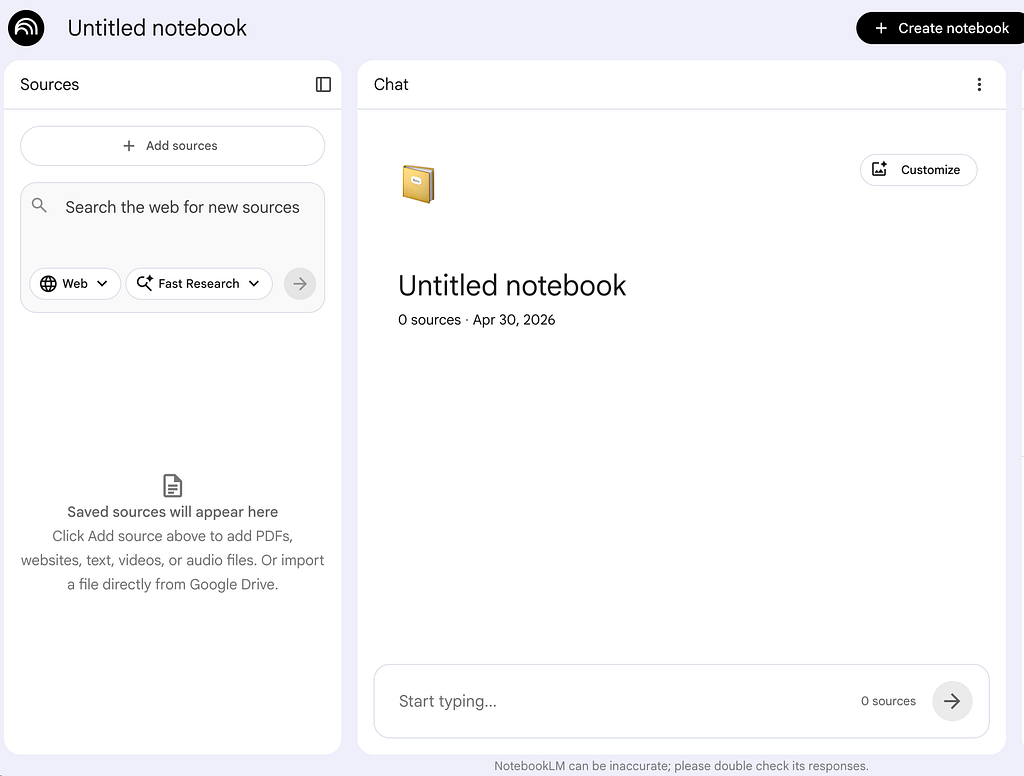
- I regularly document what’s working and not working for each tool, and track its usage. We recently implemented a NotebookLM instance with research sources from the past 3 years that stakeholders can query. Before we did this, I pressure-tested the tool using questions I thought stakeholders were likely to ask, worked with my ops lead to tweak the prompt, and captured the before / after results. I’m also tracking folks who are using this for their product + engineering specs to see what the outputs are and how they’re informing decision-making. This way I can make sure that we’re quality outputs, getting our money’s worth, and avoiding unwanted outcomes.
I almost always feel called at the end of my conversations about AI to declare that I am not a Luddite or completely against new technology. In my 10 years (this June!) in tech I’ve seen a lot of new trends come and go, and at least tried as many as I reasonably could. New technology can be exciting and help us unlock new ways of working, and many new technologies that are commonplace now seemed scary at the time (electricity, anyone?). However, our adoption and discussion of new tech lacks future-proofing if we don’t consider what we risk as part of the conversation. My perennial worry with AI and all new shiny things is that it may hinder our ability to think for ourselves, and in our quest for speed we lose human processing time that produces quality output. Ultimately as a research leader our goal is to support our team in their work, and AI implementation should be no exception.
Thoughtful AI Implementation for UXR Leaders was originally published in UX Collective on Medium, where people are continuing the conversation by highlighting and responding to this story.