
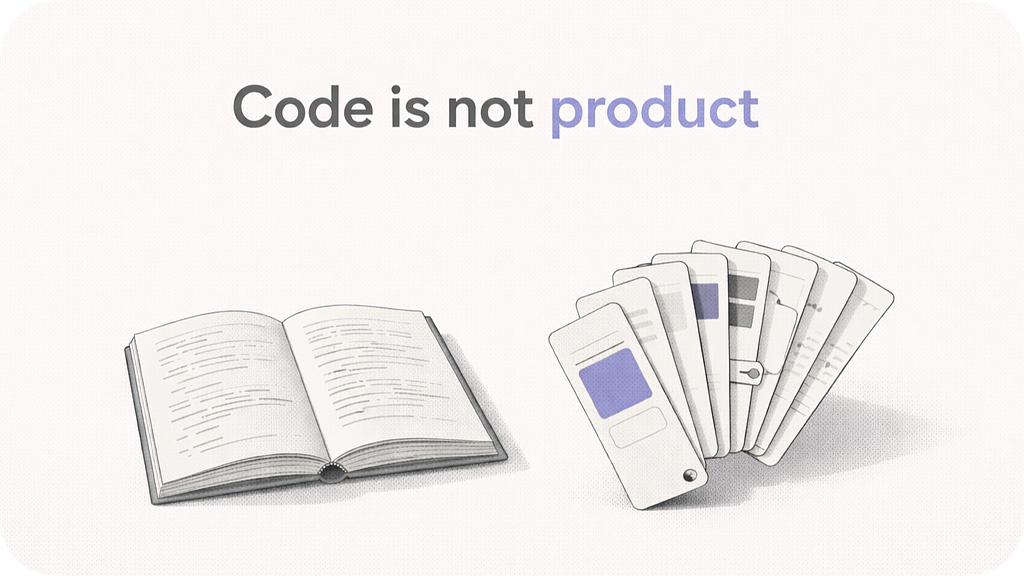
How to feed AI coding agents the brand, patterns, and visual language that aren’t in your code.
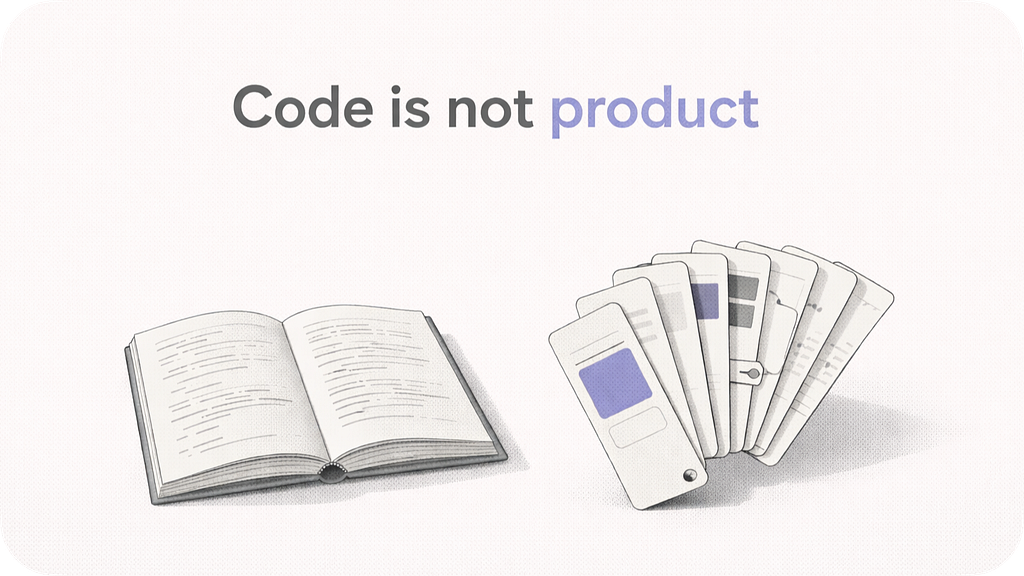
TL;DR. AI coding agents can grep your codebase. They still produce generic-SaaS output because they lack the design context of your product: how it behaves, which interaction patterns it rejects on principle, what makes it feel like yours. I wrote it down as a structured Claude Code skill. First-pass output stopped feeling generic. Here’s the system, why each piece exists, and what’s hard about building it.
I asked my AI agent to brainstorm new features for our product. In under a minute it returned a clean list: a notification center, an activity feed, a dashboard with analytics widgets, an onboarding wizard. Reasonable features. None of them fit.
Our core interaction is a conversation, not a wizards-and-dashboards flow. A notification center assumes passive messages to triage. An onboarding wizard assumes a linear first-run we deliberately don’t have. Every suggestion quietly broke a principle we’d already decided.
The agent had full access to the codebase. None of that was the problem.
The problem was a different shape of knowledge: what the product is, from a design perspective. How it behaves. Which interaction patterns we reject on principle. How it speaks. What “on brand” means for a corner radius or an error state. What, precisely, makes a screen feel like us rather than like every B2B SaaS that came out of a YC batch.
None of that lives in the code. It lives in taste, in a Figma file, in how we decided to frame a feature in Slack last Tuesday, in a half-dozen people’s heads.
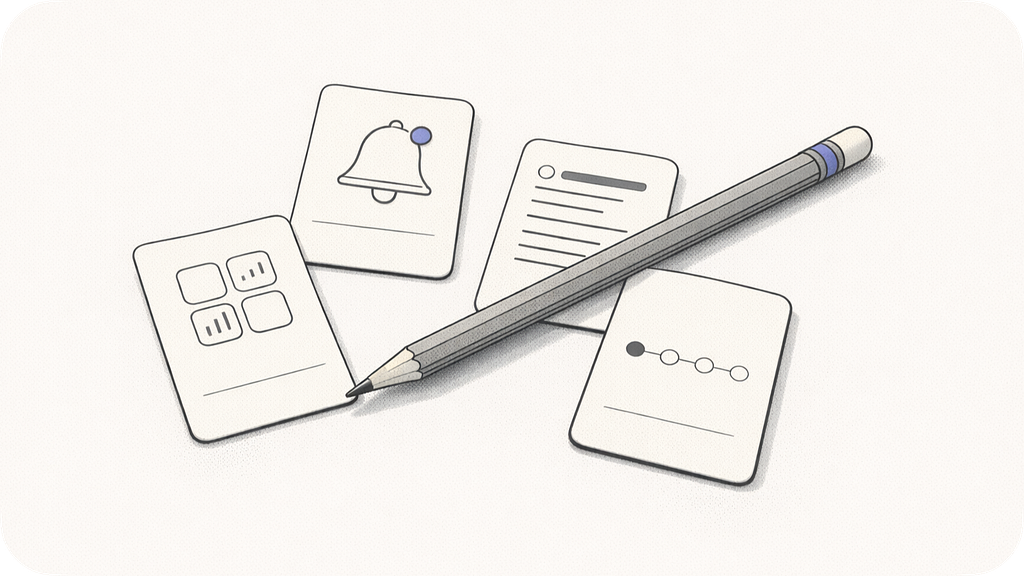
That’s the shape of knowledge the agent is missing. Call it the product’s design context.
The problem isn’t what the agent can read. It’s what the code doesn’t say.
What a product actually is (to an AI)
Thinking about how to feed this to an agent, I ended up with seven distinct shapes of knowledge. Each is a different kind of thing. None of them fits in a README.
- Architecture. Services, data stores, auth, data flow, hard constraints.
- Functionality. End-to-end flows, the domain entity model, product surfaces.
- Tech-stack conventions. yarn/pnpm, monorepo layout, pre-completion checks, import rules.
- Brand voice. Tone axes (formality, creativity, firmness, emoji), CTA vocabulary, copy patterns, anti-patterns. How the product actually talks to users.
- Visual identity. Fonts, weights, radii families, shadow hue, color usage rules, etc.
- Interaction principles. Product-level UX stances a generic agent would miss.
- Positioning. What the product IS, what it IS NOT, differentiators, competitors it’s distinguishable from.
Together these seven make up the design context. The boundary between design and engineering blurs here. A product-literate designer knows both, and so should the agent.
Code carries maybe 40% of it, enough to infer tokens, layout conventions, entity names, API shapes. The other 60% lives outside the code: in design files, in marketing copy, in decisions.
An agent that only reads code will make up the rest. “Making up the rest” is how a brainstorm list comes back reasonable, generic, and not yours.
This is the part of AI coding assistance that Simon Willison, Andrej Karpathy, and others have been calling context engineering: the discipline of deciding, explicitly, what your agent should know before it does anything. Martin Fowler’s team wrote in early 2026 that context engineering is becoming “the defining AI skill” for teams shipping with coding agents. Less glamorous than prompt engineering. More load-bearing.
What a README doesn’t carry
A good README is a map of the system. The design context is the character of the system. The two don’t fit in one document.
I could describe our architecture in a README. I could list our entities. I could point at our component library. What I couldn’t credibly put in a README is the paragraph of token preferences, breakpoint-specific exceptions, weight aliases, and “never use X” prohibitions that a team accumulates across a year of design reviews.
None of that belongs in an onboarding doc. But the agent needs all of it before it writes a screen. The closest analog is the content and voice documentation that mature design systems publish. Shopify Polaris has it, Atlassian Design System has it.
Brad Frost and others have written for years about how documentation is where a design system actually lives or dies; without it, the system that exists in code is never the system the team is actually working with. A skill for an agent is the same idea as those guides, compressed and triaged for machine loading.
Claude Code skill
I turned the design context into a Claude Code skill: a directory that auto-loads when you’re working on the product. The directory has:
<product>-context/
├── SKILL.md                      # router
├── design.md                     # UI / UX / brand / visual / philosophy
├── pointers.md                   # index of referenced docs
├── quickref/
│   ├── component-map.md          # Figma → code index
│   ├── tokens.md                 # color / type / radius / shadow cheatsheet
│   └── commands.md               # pre-completion check rituals
└── references/
    ├── overview.md               # monorepo layout, app map, shared packages
    ├── functionality.md          # flows, entities, surfaces
    ├── system-analysis.md        # service map, auth, data flow, constraints
    ├── typescript.md             # stack conventions
    ├── python.md                 # backend conventions
    ├── figma-component-mapping.md
    └── frontend/
        ├── ui-package.md
        ├── styles-package.md
        └── styles.md
- SKILL.md is a router. Its job is to decide which of the other files to load for the current task. Writing UI copy? You need `design.md` §2 Brand voice. Brainstorming a feature? You need `functionality.md` and `design.md` The router keeps context usage disciplined. Katherine Yeh, writing in Bootcamp earlier this year, made the same observation about a designer’s Claude Code setup more broadly: as more skills land in a workflow, the hard problem stops being what each one does and becomes knowing which one is right for the task.
- design.md is the crown jewel. 11 sections covering product identity, brand voice, visual foundations, layout, UX patterns, component authoring, styles authoring, Figma conventions, landing-page patterns, positioning philosophy, and aesthetic feel. It’s the file that can’t be auto-generated and the one that matters most.
- pointers.md is an index: “when you need X, read Y.” Written for the agent’s triage.
- quickref are compact task-oriented cheatsheets extracted from the heavier reference docs. The agent loads the quickref first and only opens the heavy doc if the quickref doesn’t resolve.
- references are snapshots of the canonical context docs. They live inside the skill so it’s self-contained.
How I got there
I didn’t write seven files in one sitting. The order matters.
First pass: architecture and functionality
These two are the files an agent can mostly derive from code. I pointed a sub-agent at the codebase: “write an architecture overview, a service map, the auth model, the data flow, the known constraints.” Then a second sub-agent for functionality: “end-to-end flows, entity model, surface area.”
Two hours each, light hand-editing. The agent is good at this. You’re basically asking it to summarize what’s already in the code.
Second pass: tech-stack conventions
`typescript.md`, `python.md`, frontend-specific docs. Also mostly derivable: “which package manager, which linter, what’s the component ritual, what do you NEVER do.”
Agent writes a draft from your configs and a handful of components. You edit for the “never” rules that aren’t visible in the config but are load-bearing for your team.
Third pass: the hard one. design.md
This is the piece an agent cannot auto-generate.
The agent can enumerate your tokens. It can’t tell you “our primary CTA is the one accent CTA.” It can read your notification copy. It can’t tell you “we don’t use decorative emoji; those ✌️ strings in `useTranslation.ts` are legacy and off-brand.”
I wrote design.md in layers.

- Tokens. Colors, typography weights and scale, spacing, radii, shadows. Mechanical.
- UX patterns. Chat-as-instruction, warnings-advisory, empty-state conventions, etc. These are conventions that exist in the code but aren’t obvious unless someone labels them.
- Brand voice. Tone axes. CTA vocabulary. The empty-state triplet. The notification triplet. Anti-patterns: legacy copy that needs to be stripped on touch, typos that shipped, emoji from an earlier era. I grounded every rule in a real string pulled verbatim from the codebase.
- Aesthetic. This is the one I spent the most time on. The aesthetic layer is everything that happens above tokens. Composition principles. Color philosophy beyond the token table (neutrals are the stage, accent is the actor). Typography feel (weight carries hierarchy, not size). Signature details (sentence-level inline rewrites on generated text, visible unit cost on spending CTAs, status badges next to editable fields).
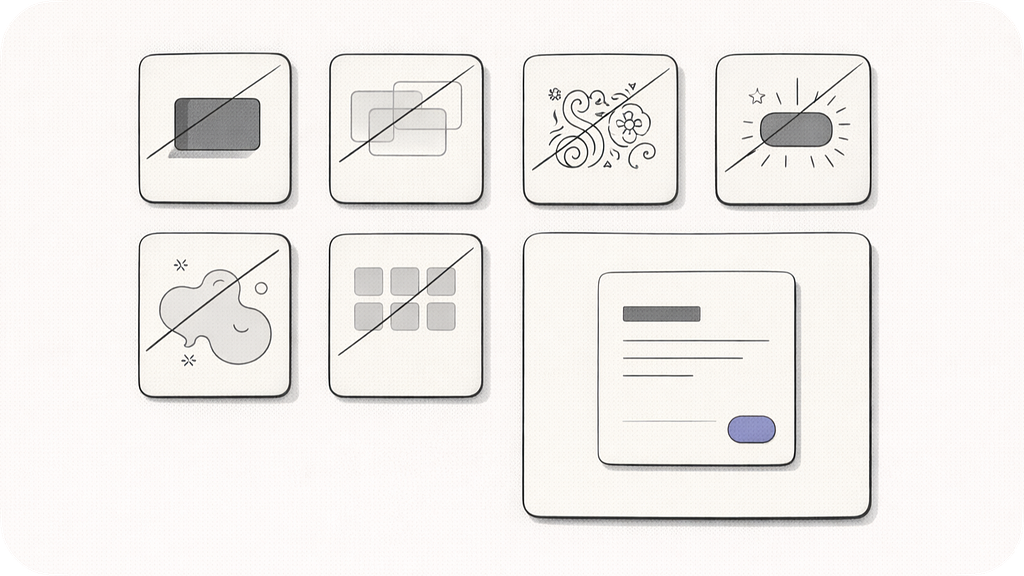
- Explicit anti-patterns. “We are not neobrutalist, not glassmorphic, not maximalist, not playful, not austere-enterprise grey, not AI-chatbot-glow. And a self-test: ten yes/no questions a screen runs against.
Tokens the agent can read. Composition philosophy it can only be told.
Fourth pass: the router
SKILL.md is ≤ 150 lines. YAML frontmatter with trigger phrases. The description includes common prompt words (“figma,” “component,” “design,” “brand”) that auto-invoke the skill.
The body of the router is a task-to-files routing table, the hard constraints that apply to every change, the “never do X” frontend rules, and pre-completion check commands verbatim. I also added composition notes for stacking with other skills: run a brainstorming skill first for creative work, then this skill to ground.
Fifth pass: refinement, the one that keeps happening
The skill was useful immediately, but most of the improvements came from using it and watching it fail.
Inter-not-Graphik was a bug I caught by reading a Figma render. The “period rule is too blunt” nuance came from noticing that real shipped notification bodies don’t end in periods; only multi-sentence bodies do.
The three-family radius system emerged after I found five different border-radius tuples in the codebase and realized they weren’t arbitrary.
Every time the agent got something wrong, I asked: “what context would have prevented this?” Then I wrote that context into the skill. After a few iterations, the agent stopped making those mistakes.
When the skill pays off
Four use cases, in descending order of how obviously it pays.
Figma → code lookup
Paste a Figma frame name or URL. The agent lands in the right feature folder with the right base components. “Where’s the Project Builder modal in code?” returns `apps/web/src/features/projects/project-builder/ProjectBuilderModal.tsx` in one turn, without opening a 136 KB mapping doc.
The compact quickref does the resolution; the heavy doc is the fallback.
Component authoring
Write a new `ProjectSidebarFilter` component” produces code that passes typecheck + lint on first run, uses the project’s UI primitives (not generic divs), uses tokens (not hex), follows the `memo` + `displayName` ritual, and writes SCSS with the project’s BEM conventions and per-breakpoint radius family.
The agent doesn’t guess any of those rituals. They’re in the skill. Nick Babich surveyed the same territory for UX Planet in March: the design-specific skills that perform best are the ones that encode project conventions explicitly, so the agent stops falling back to Inter-and-blue-gradient defaults.
Product brainstorming
“What’s a new feature for team leads?” grounds in the actual entity model. Ideas use the real primitives (Project, Member, Workflow, Milestone). Product-level constraints that matter (usage-billed, warnings-advisory, chat-as-instruction) filter the ideas. You don’t get “what if we had a CRM.” That breaks the positioning. You get ideas that fit.
Landing-page and positioning work.
“Draft a hero for our new integrations page” produces copy in the actual brand voice: uses real differentiators, mentions the product’s three user archetypes by their actual names. Not generic “unlock your potential” SaaS.
Audit
Does this screen feel like us?” runs the §11 self-test and gives you honest yes/no per criterion. It’s a decent stand-in for a design review when no one’s around.
How it works technically
The skill is a directory at `.claude/skills/<product>-context/`. The harness auto-discovers it at session start. `SKILL.md` has YAML frontmatter with a `description` field that includes trigger phrases. When a user prompt contains one of those phrases, the skill loads.
The router body is the task → files table. Not every task loads every file. Loading is progressive: the router opens first, then the quickref relevant to the task, then `design.md` sections, then the full reference doc only if the quickref doesn’t resolve. This keeps context usage low enough that the heavy mapping doc (136 KB) rarely gets loaded.
Reference docs either live in the skill (as `references/*.md` snapshots) or get referenced by path (pointing at the main repo’s canonical files). I tried both.
Referencing by path keeps the skill tiny and makes canonical files the single source of truth, at the cost of requiring the repo. Snapshotting makes the skill self-contained. Works anywhere, no repo required. I ended up snapshotting with a `references/README.md` that notes the canonical originals and instructs quarterly re-sync.
What works and what’s hard
What works
- First-pass output is correct. The iteration cycle goes from “write → fix generic-SaaS mistakes → try again” to “write → minor tweaks → ship.” For a design-heavy product, that’s roughly half the iteration turns on visual work.
- The skill is a team artifact. It commits to the repo. Your teammates get the same context automatically on install.
- It’s self-documenting. Reading the skill IS a fine way to onboard.
- Skills compose. Run a brainstorming skill first for creative work, then this one for grounding. A Figma-to-code skill for translation, this one for conventions. Stack them.
- Cold-start works. A fresh session with the skill loaded produces correct-feeling output immediately. No “let me catch you up on our codebase first.”
What’s hard
- Writing `design.md` takes hours. Architecture and functionality files can be mostly auto-generated; the design doc cannot. You need someone with taste, the ability Paul Graham described in “Taste for Makers” as distinguishing good work from bad and knowing why, to articulate the aesthetic layer. If nobody on your team can say “we are NOT neobrutalist and here’s why,” the skill can’t articulate it either.
- The skill drifts. A product that ships fast evolves its voice, its surfaces, its token scale. The skill has to evolve too. Quarterly review is the minimum.
- Not every product’s design context is equally weighted. If your product is a CLI tool, `design.md` matters less. If it’s a marketing landing page, `system-analysis.md` matters less. Match effort to what your product actually is.
- Context budget is real. A full skill with references can be large. The quickref/ pattern and progressive loading is what makes it fit in the agent’s context window.
- The implementation details are Claude-Code-specific. The SKILL.md frontmatter format is Anthropic-flavored. The same content works with Cursor, Windsurf, or other agents, but you’d restructure the trigger mechanism.
A few things this approach doesn’t solve. The skill captures rules, not taste. Someone with taste still has to write them. At scale or for fast-moving design systems, live retrieval from Figma beats hand-maintained snapshots. The skill drifts; the skeleton outlasts the specifics, which is what makes it worth maintaining at all.
The meta point
My agent is better at reading my codebase than I am. It finds the right file in the time it takes me to start typing. It remembers the exports. It types faster than I do.
What it doesn’t have is point of view, mine or the product’s. The skill is a way to transfer that point of view from my head to the agent’s working context, one file at a time.
Every time the agent produces output that feels generic, I ask: “what context would I have given a new designer or developer to prevent this mistake?” Then I write that context into the skill.
Templates
A generic starting point for the structure: templates.zip
Drop it into `.claude/skills/`, point an agent at your codebase and design files, and iterate.
References
- Context Engineering for Coding Agents, Martin Fowler’s team
- A Designer’s Guide to Organizing AI Skills and Tools in Claude Code, Katherine Yeh, Bootcamp
- Must-Have UX/UI Design Skills for Claude Code, Nick Babich, UX Planet
- Taste for Makers, Paul Graham
- Context engineering, Simon Willison
- On context engineering over prompt engineering, Andrej Karpathy
- Maintaining Design Systems (Atomic Design, Chapter 5), Brad Frost
If you’ve built something similar — a product-context skill, a design-taste doc for an agent, anything that lives above the tokens — I’d love to see it. Reply below, or find me on murynmukha.com
Your AI agent can read your codebase. It doesn’t know your product. was originally published in UX Collective on Medium, where people are continuing the conversation by highlighting and responding to this story.